Dashboard
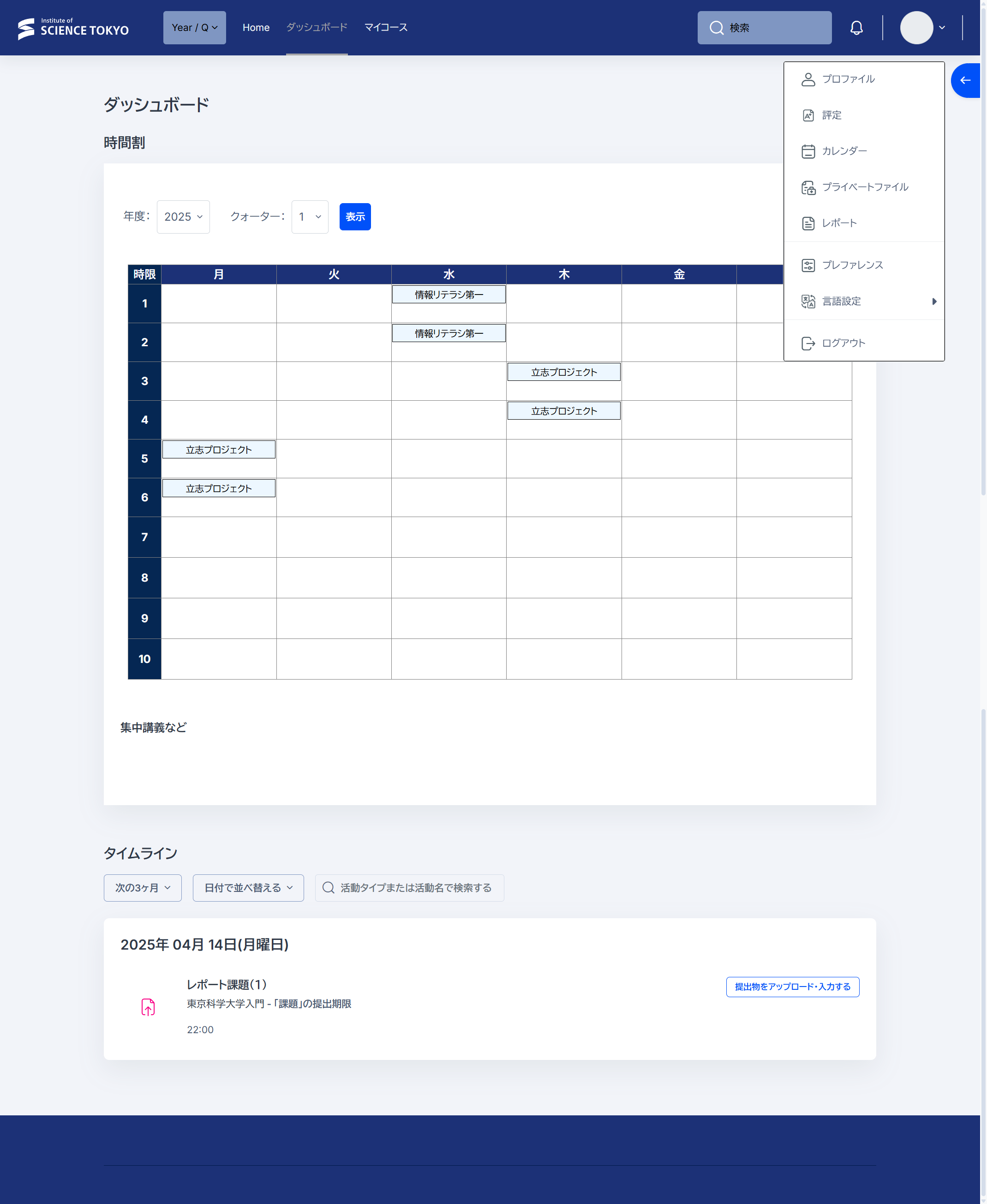
The screen displayed after login is called the Dashboard.
At the top of the screen, the subjects you are registered for, or the subjects you are assigned to if you are faculty or staff, are displayed in the Timetable block. If you do not use the timetable, such as when mainly taking Medical and Dental Sciences subjects, you can collapse the block by clicking the arrow at the top right of the block.
At the bottom of the screen, there is a Timeline block that displays activities with deadlines, such as assignments.
Course Page
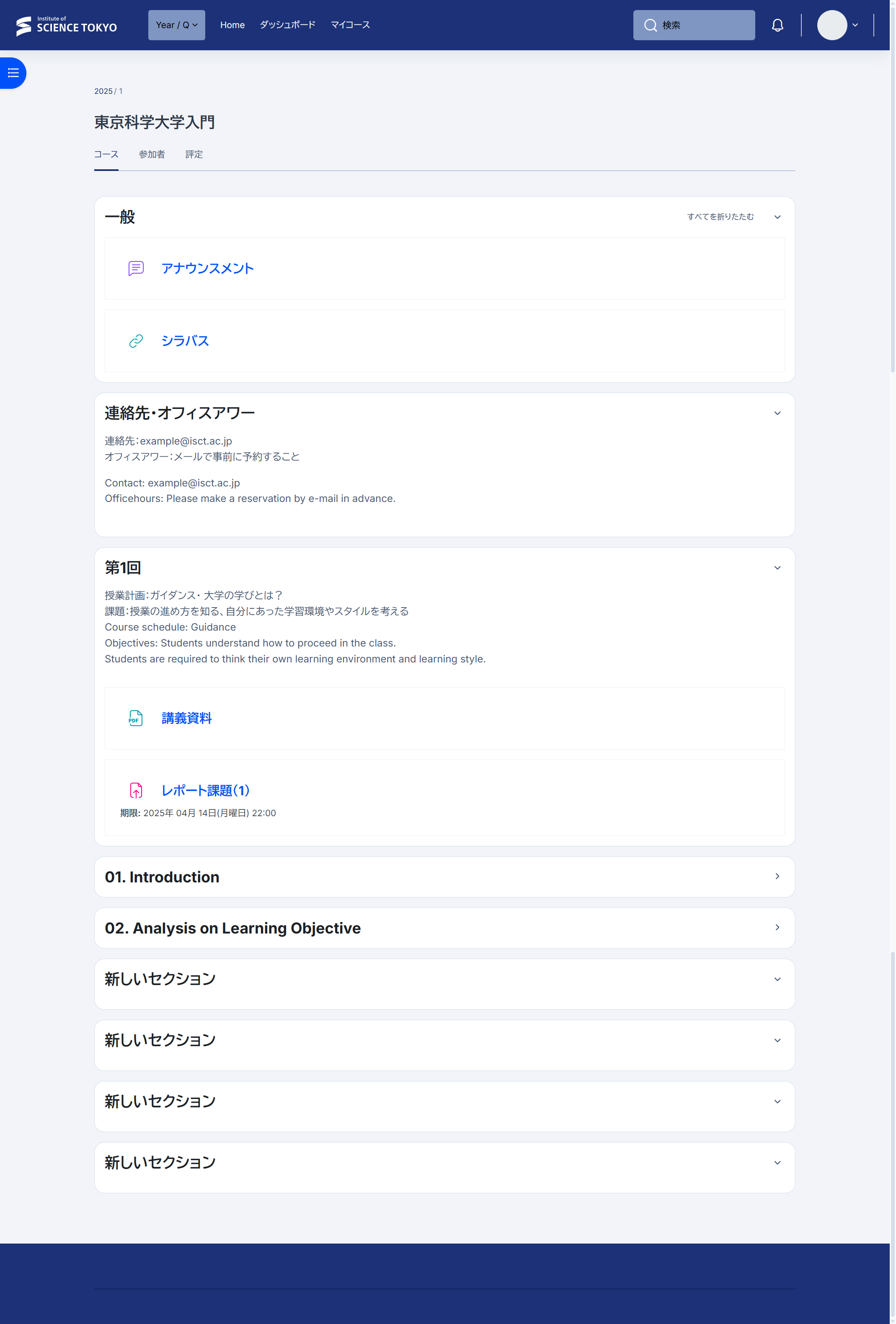
The course page, which is the page for each subject, contains lecture materials, assignments, and other items related to the class.