From the notification icon
Click the notification icon (bell icon) at the top right of the LMS/MORE screen.
Click the notification that indicates an assignment has been returned.
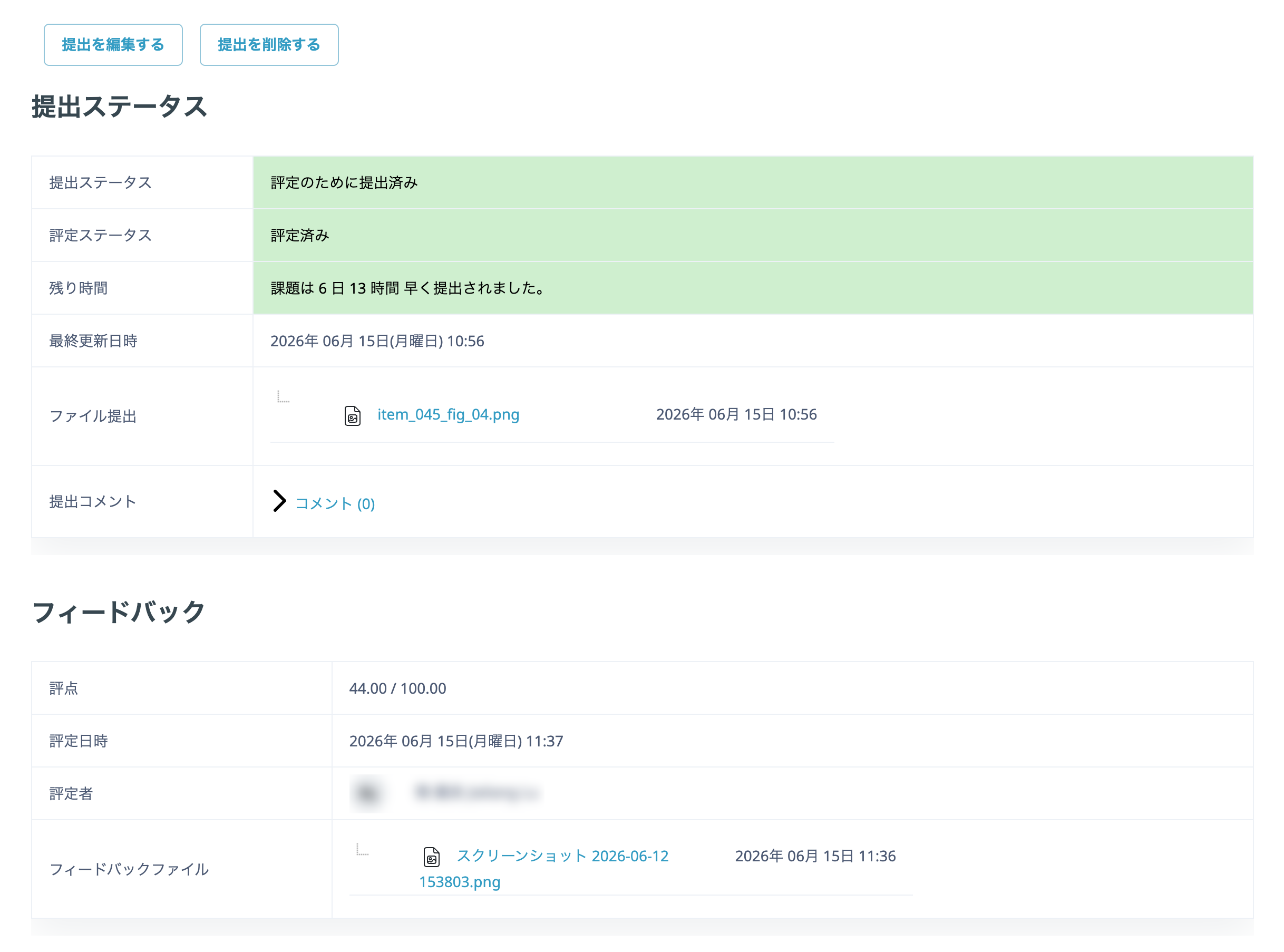
Feedback from the teacher is displayed at the bottom of the assignment submission page.
From the subject/class page
On the subject/class page, click the assignment icon for which you want to check the return.
Feedback from the teacher is displayed at the bottom of the assignment submission page.