
A quiz is a test that can be taken online.
Taking a Quiz
Click the quiz title on the course page, then click "Attempt quiz".
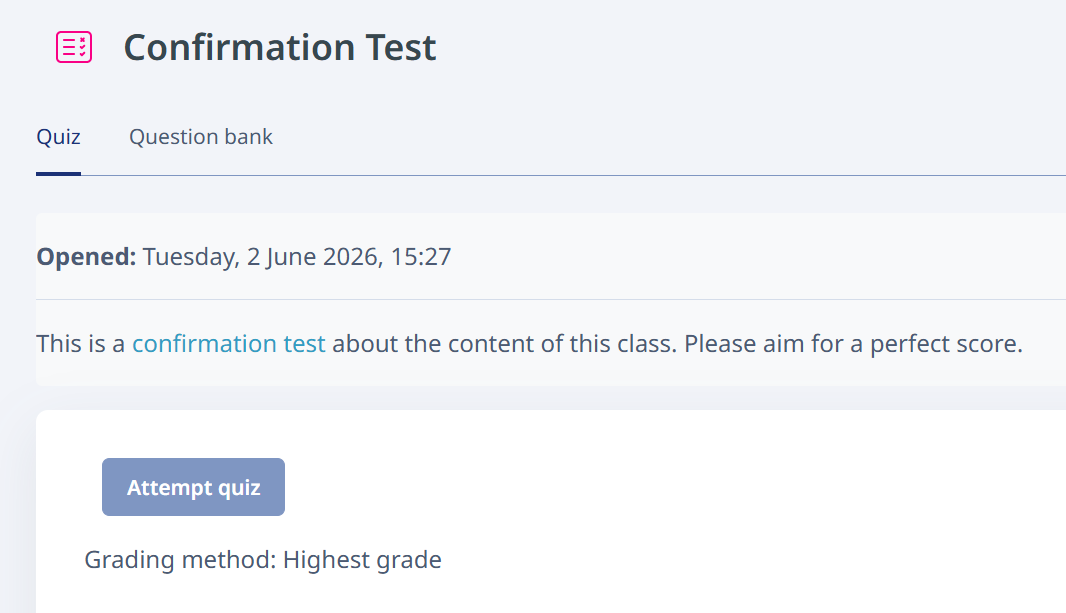
After answering the questions, three clicks are required to submit the quiz.
First, click "Finish attempt".

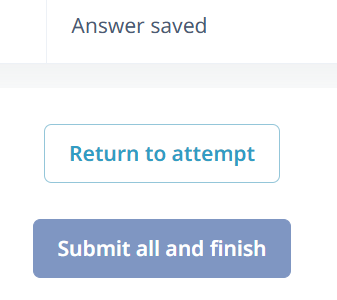
On the next screen, you can review all your answers before submitting. After reviewing them, click "Submit all and finish".
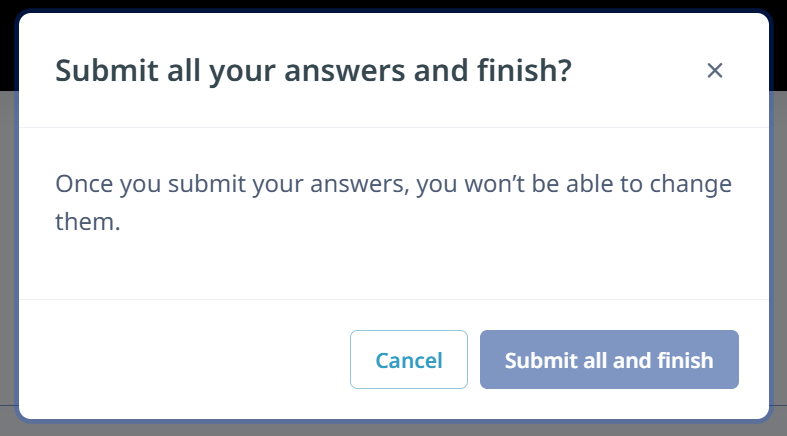
Finally, a confirmation dialog will be displayed. To submit the quiz, click "Submit all and finish".
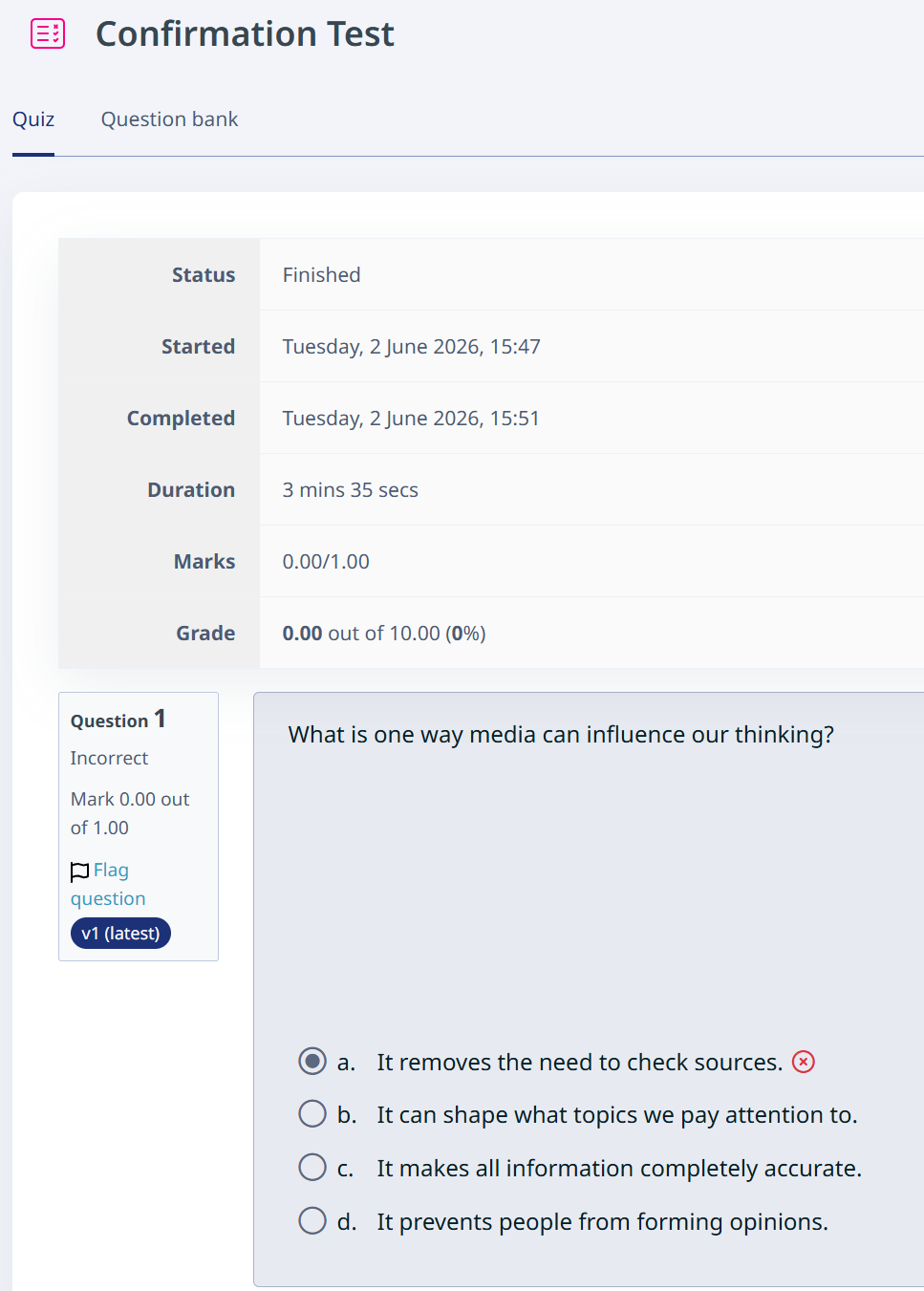
When submission is complete, the results screen will be displayed and the status will show "Finished". If correct answers or feedback have been configured, grades and answer results will be displayed automatically.
If you log back in to LMS from another browser or similar environment while taking a quiz, answers that have not been finalized may be submitted as unanswered. Do not use multiple browsers or similar environments while taking a quiz.