- From "Add an activity or resource", click "Book".

- Enter the text you want to use as the title in "Name".
- Click "Save and display".
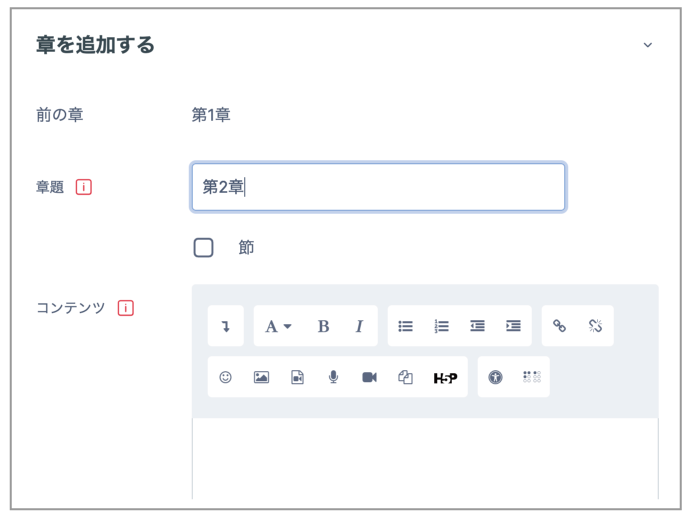
- On the "Add new chapter" page, give the chapter a title and enter its contents. As with a "Page", you can use the editor or HTML to enter the contents.
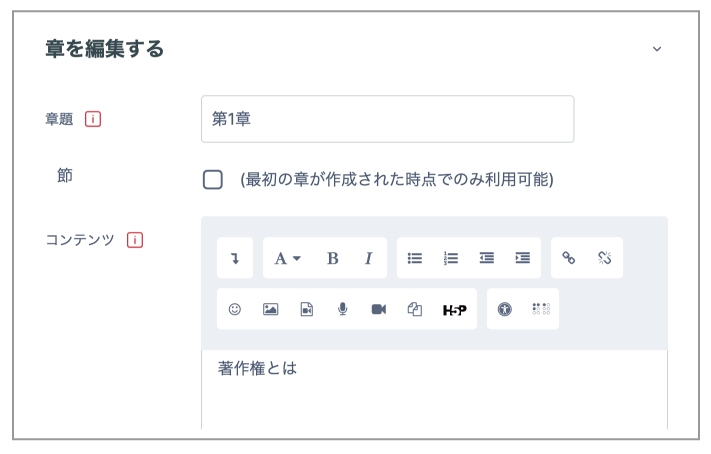
- After entering the content, click "Save changes". To edit it again later, click the relevant gear icon in the list in the block on the right.
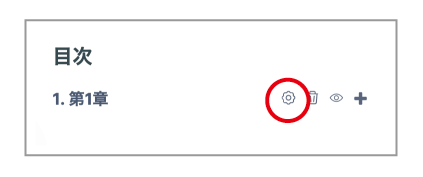
- To add the next chapter or a subchapter, click "+". To add a subchapter, select "Subchapter".
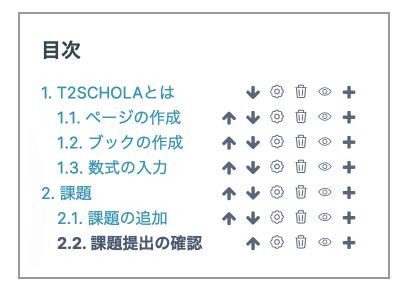
As you create chapters and subchapters, items are added to the Table of contents on the right. You can use the arrows to move chapters and subchapters, and delete them using the trash icon.