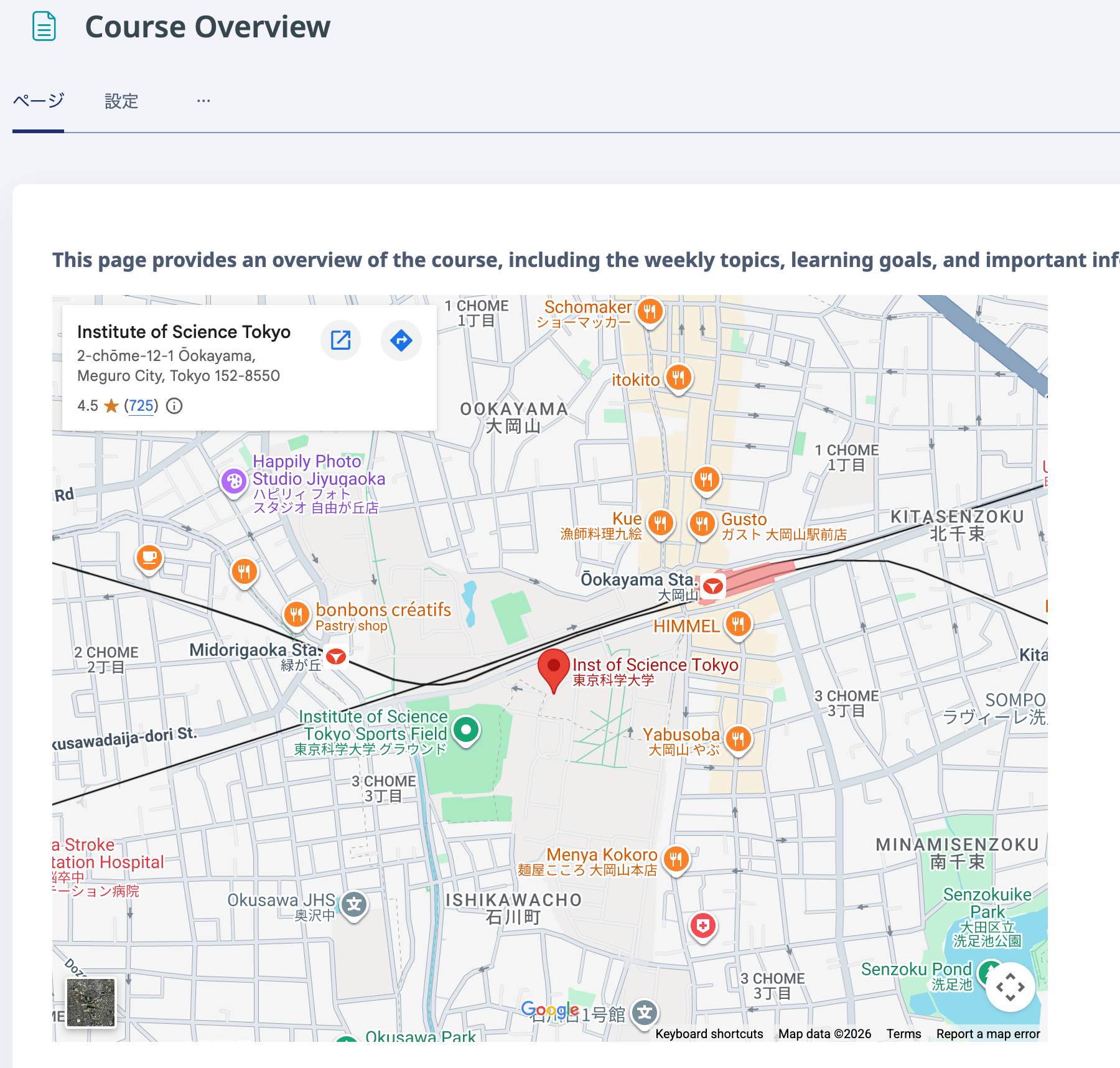
You can embed a Google Map.
- Open Google Maps on a computer.
- Navigate to the route, map, or Street View image you want to share.
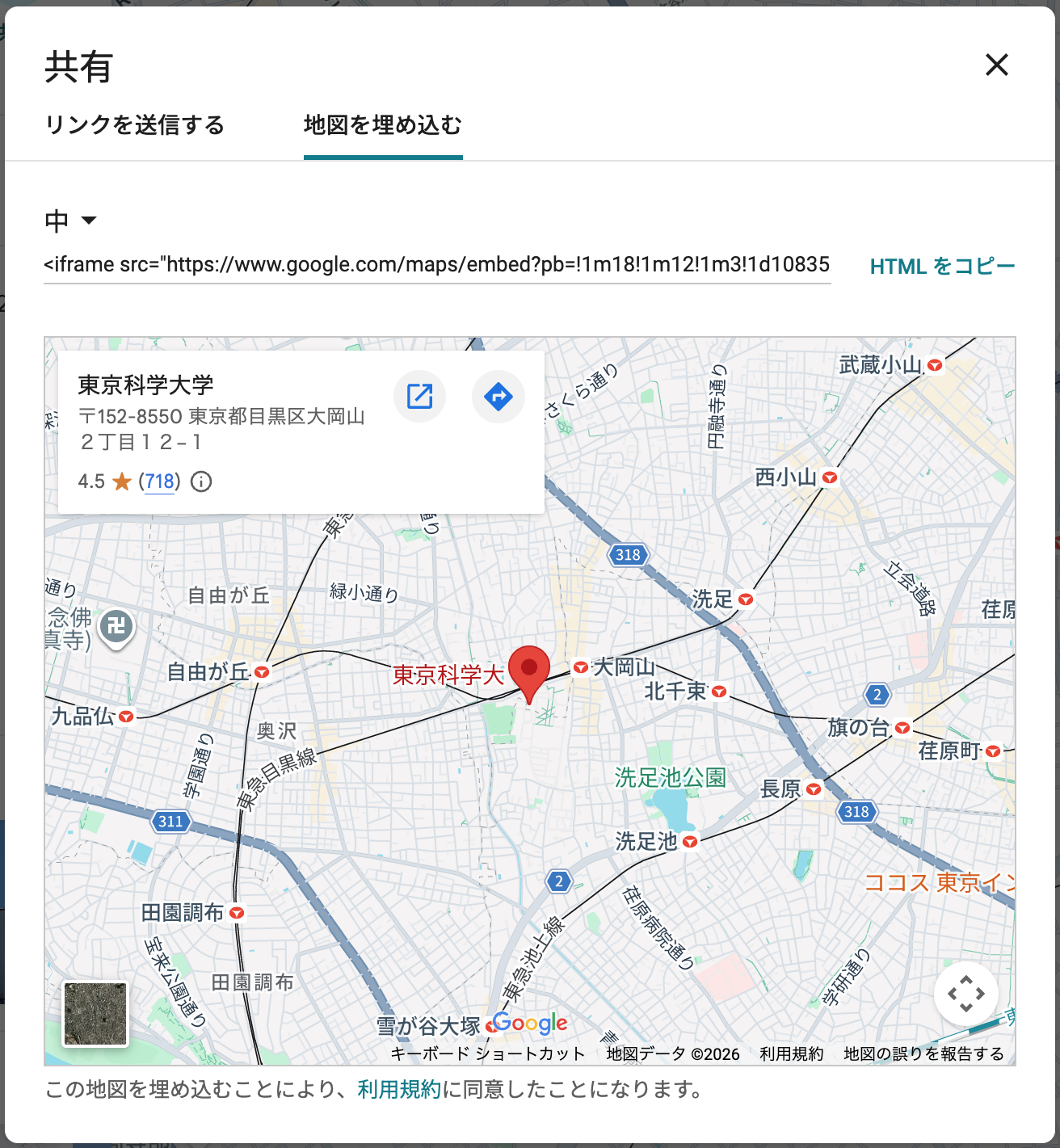
- From the menu at the top left, select [Share or embed map]. If this option is not displayed, click [Link to this map].
- Click "Copy HTML".
- In "Add an activity or resource", select "Page".
- Enter a suitable title.
- Switch the "Page content" editor so that you can enter HTML.
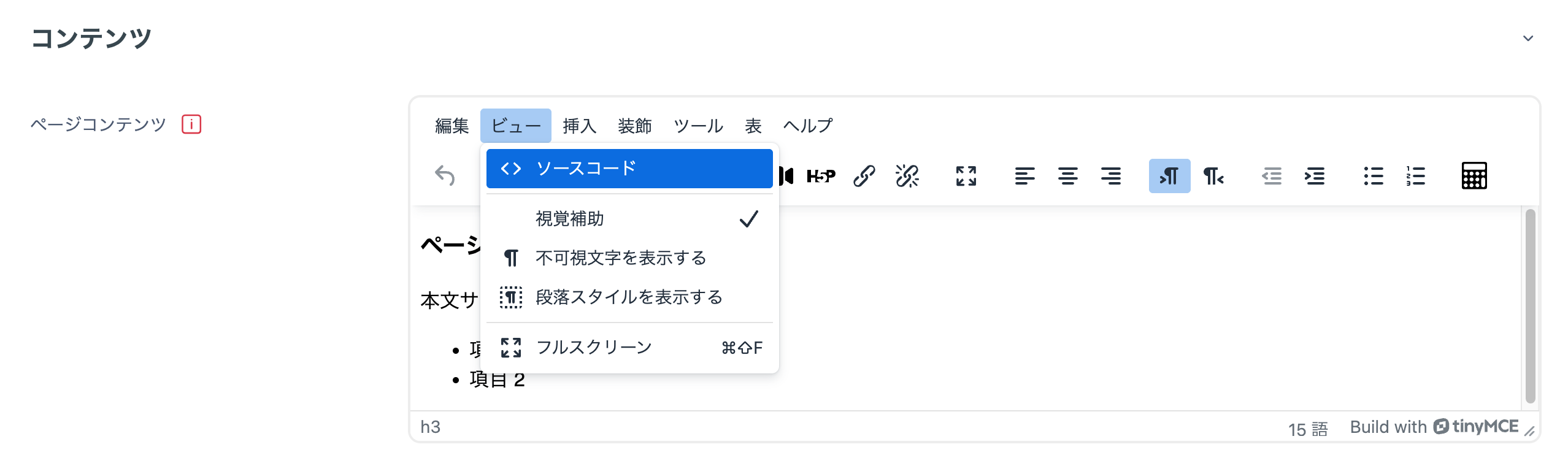
- Paste the link copied from Google Maps.
- Click "Save changes".
- The map is displayed.