The default editor does not allow you to change text colour. Although this is a workaround, you can change the colour as follows.
Setting text colour with HTML
Write the following in HTML.
<span class="" style="color: COLOR_CODE">text</span>
To enter HTML, click "View" in the editor, then click "Source code".

The source-code input screen opens. Enter the HTML.
For example, to make text red, enter:
<span class="" style="color: red">red</span>
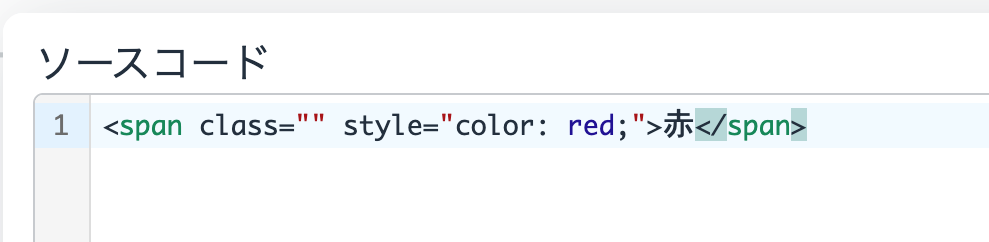
This makes the text red.