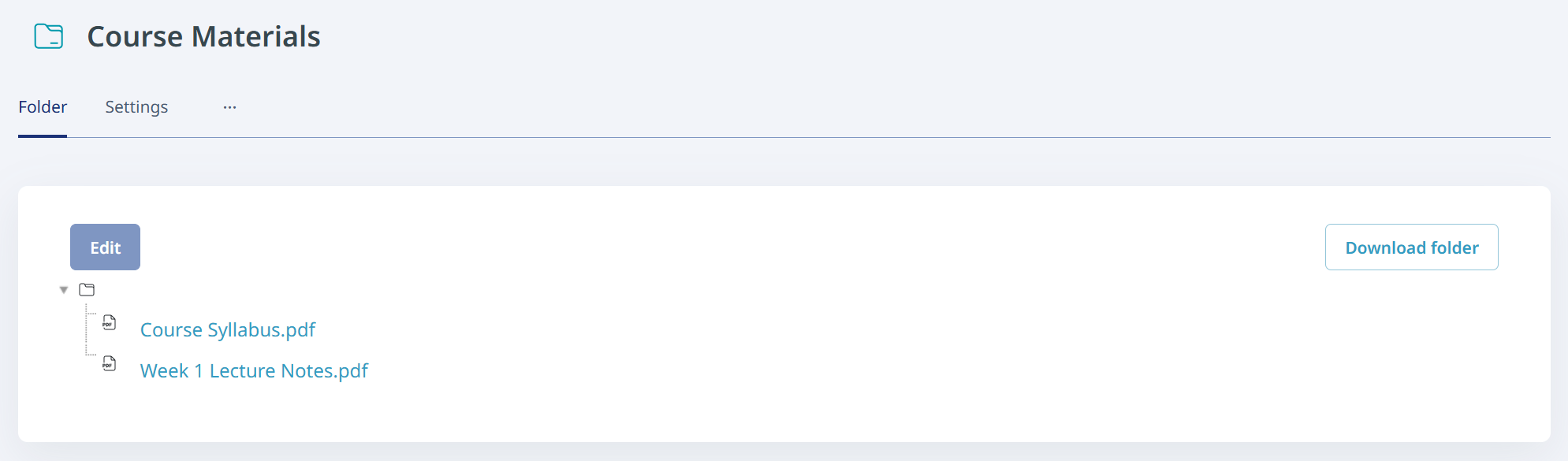
To distribute course materials and other files to students, use the File resource. For multiple files, use the Folder resource.
Using the File Resource
Click the "Add an activity or resource" button in the section where you want to add the item, then select "File".
Enter the name, which is the item name, and select the file. Configure settings as needed, then click "Save and return to course".
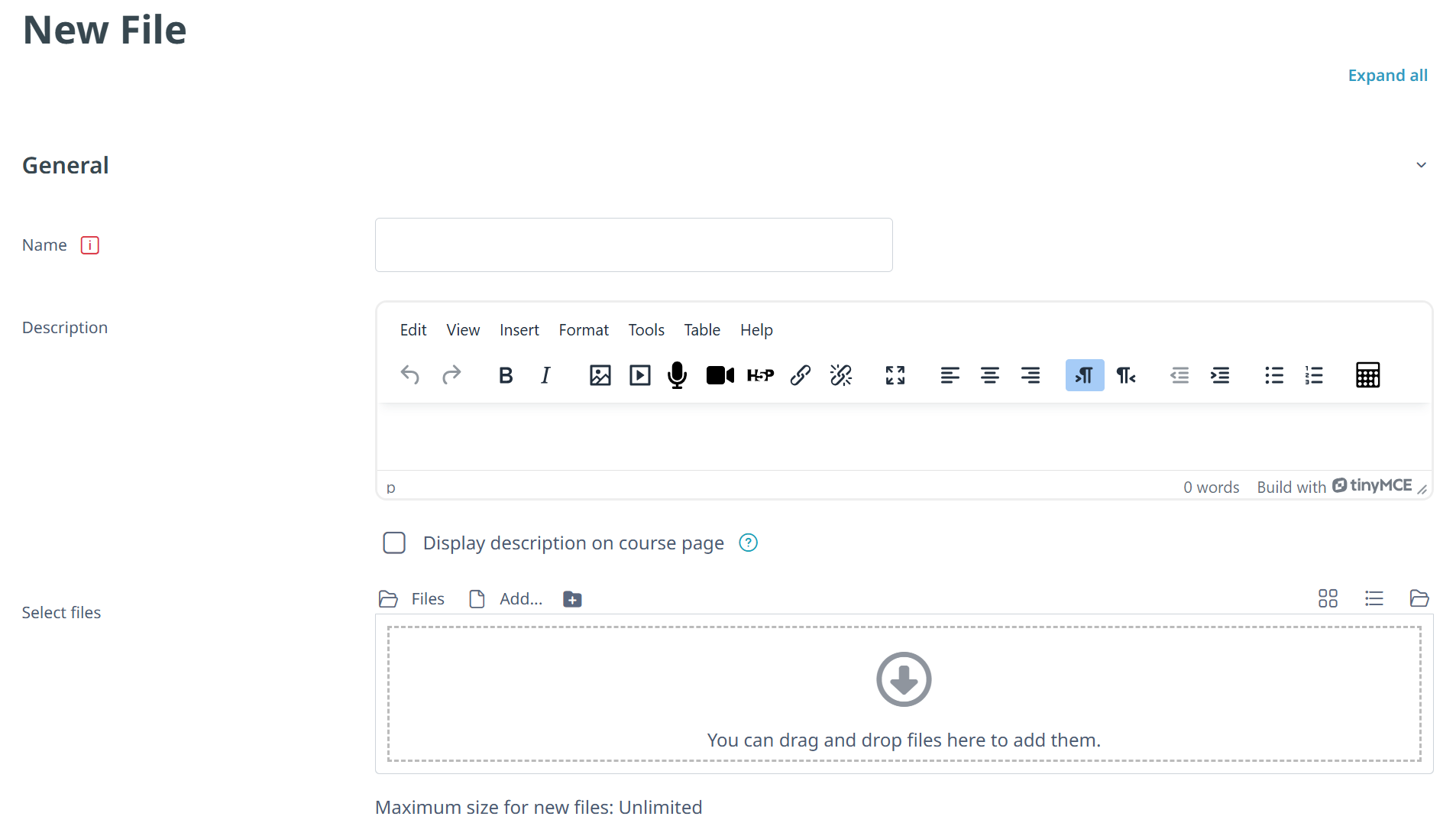
Although multiple files can be set in the Select files field, only one file is visible to students. To upload multiple files, either create a separate File item for each file or use the Folder feature.
Using the Folder Resource
Use the Folder resource when you want to upload multiple files together and display them as a list.
When using a Folder, students can download files individually or download all files in the folder together as a ZIP file.