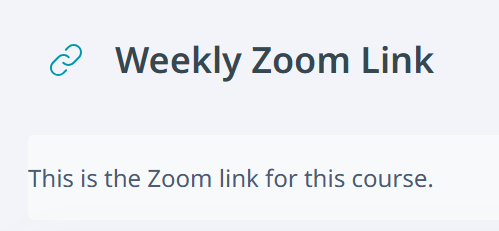
To share related websites or URLs for tools used in class, such as Zoom, use the URL resource.
Using the URL Resource
Click the "Add an activity or resource" button in the section where you want to add the item, then select "URL".
Enter the name, which is the item name, and the external URL. Configure other settings as needed, then click "Save and return to course".
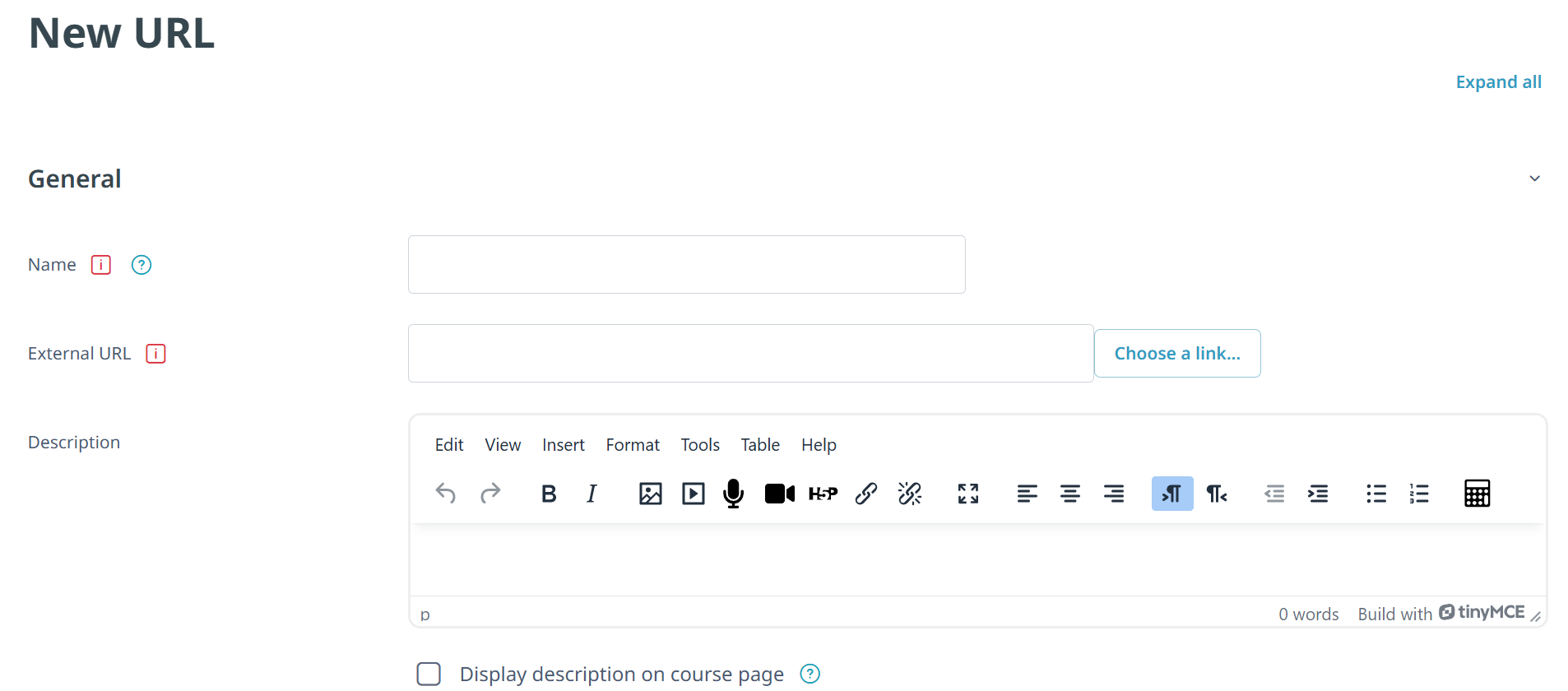
If you enter text in Description and enable "Display description on course page", the description will be displayed below the item on the course page.