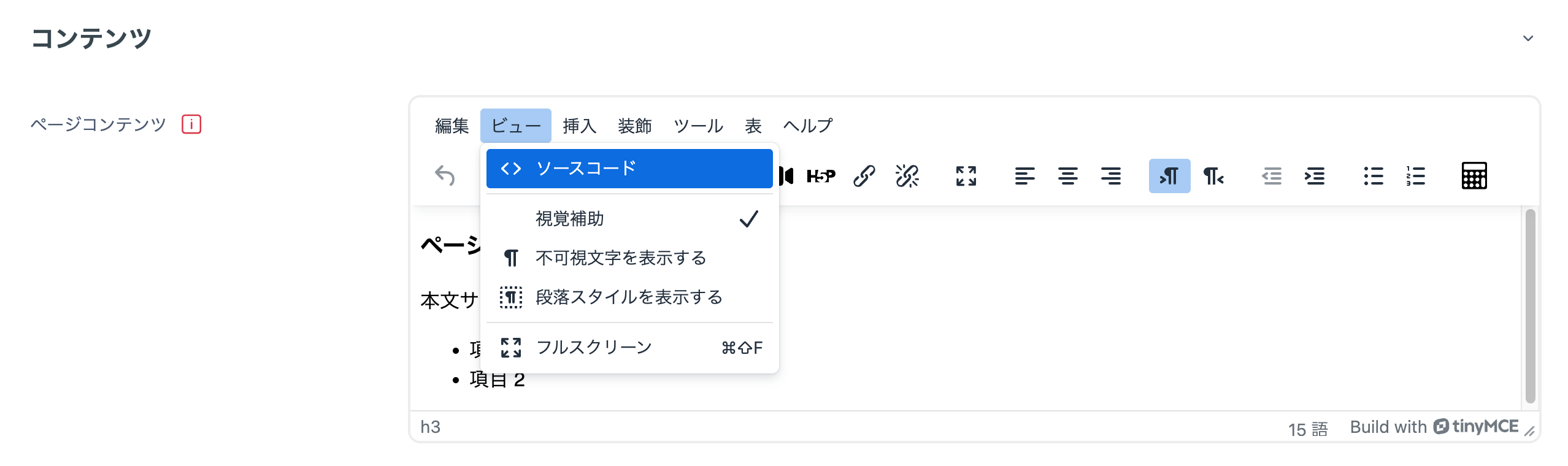
You can write content directly by using the Page activity.
- Click Page from Add an activity or resource.

- Fields marked with a red exclamation mark are required.
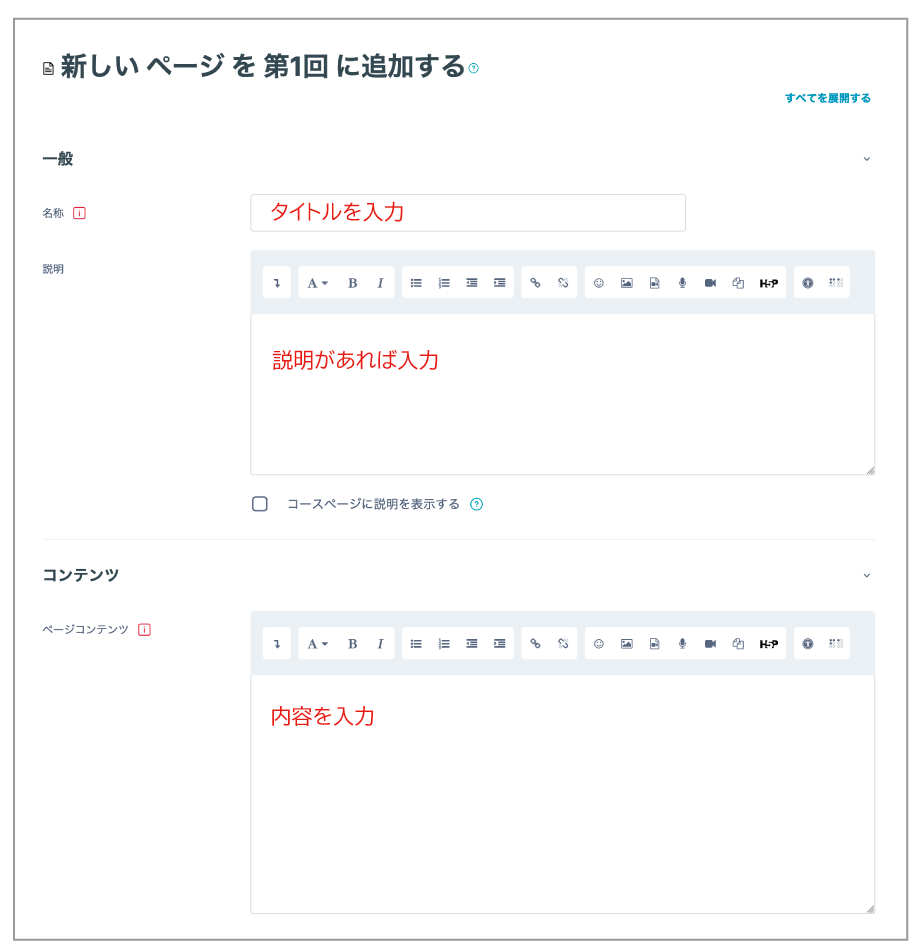
- Enter the title of the material in Name.
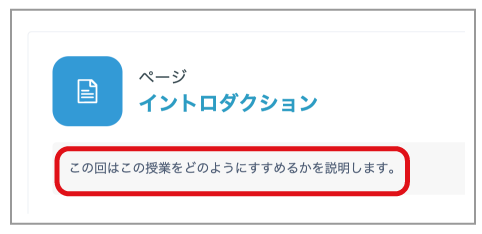
- Add explanatory text in Description. If you enable Display description on course page, the description will appear under the title on the course page.
- You can use the editor to insert images, add links, and format the content. Click the downward arrow, then click the </> icon to edit the content in HTML.