
The switch role feature lets you check how a course that you manage appears to another role, such as Student.
Click the user icon at the top right of the screen, then select "Switch role to...".
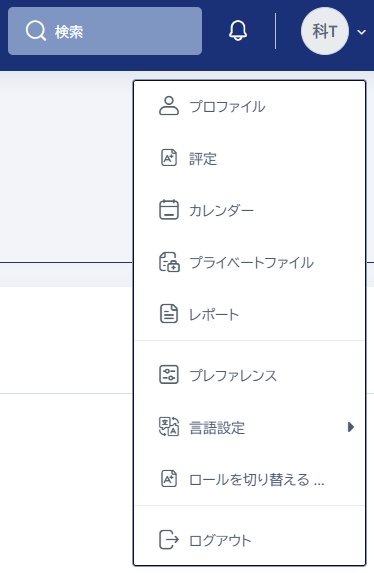
Select the role to which you want to switch to view the course in that role.
To return to your original role, select "Return to my normal role" from the user icon at the top right of the screen.