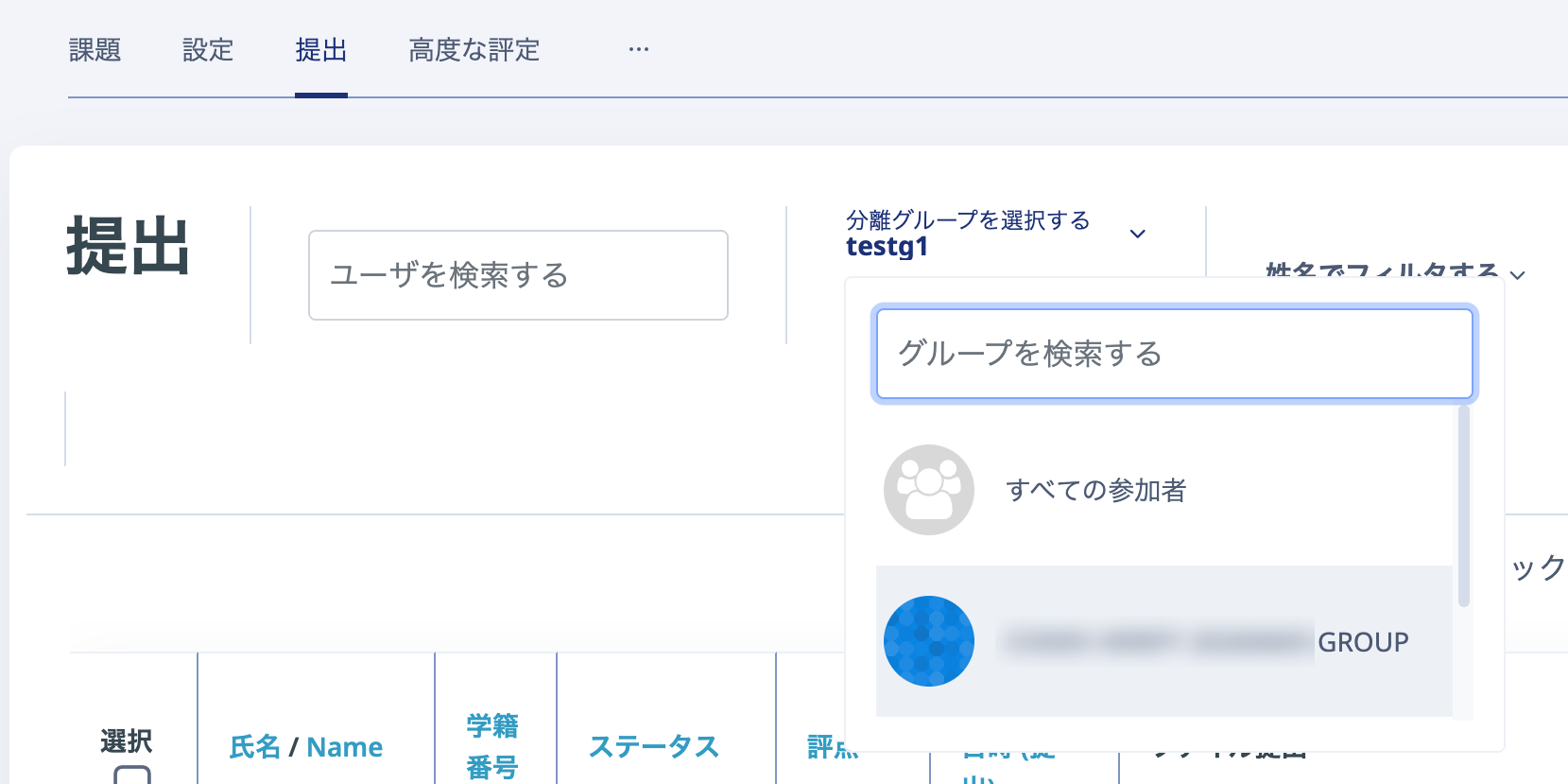
Even when the same Assignment is set for all groups, you can check submission status and provide feedback by group.
For example, this is ideal when several teachers share a course: Teacher A grades and assesses submissions from Group A, while Teacher B does so for Group B.
These group settings can also be applied or changed after the Assignment has been set up (made available).
Check the information as follows.
- Open the Assignment whose activity information you want to check by group.
- Click "Settings".
- Open "Common module settings" and select either "Visible groups" or "Separate groups" for "Group mode".
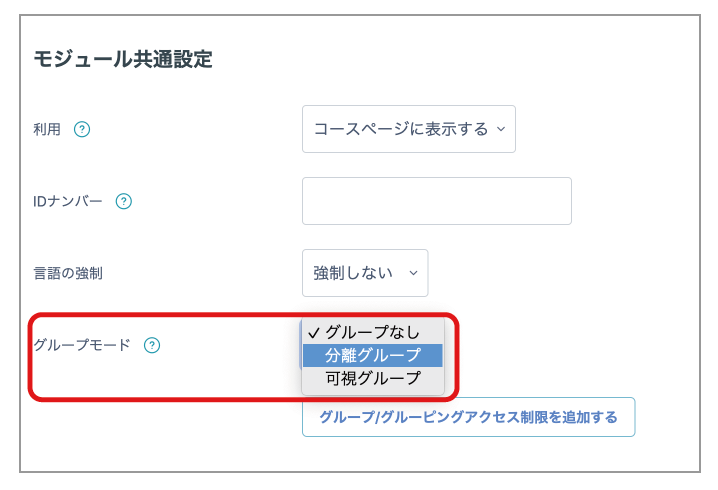
- Click "Save and display" at the bottom of the page.
- A "Visible groups" or "Separate groups" drop-down list is displayed at the top left of the Assignment page. Select a specific group there to filter the view to the submission status of students in that group only.