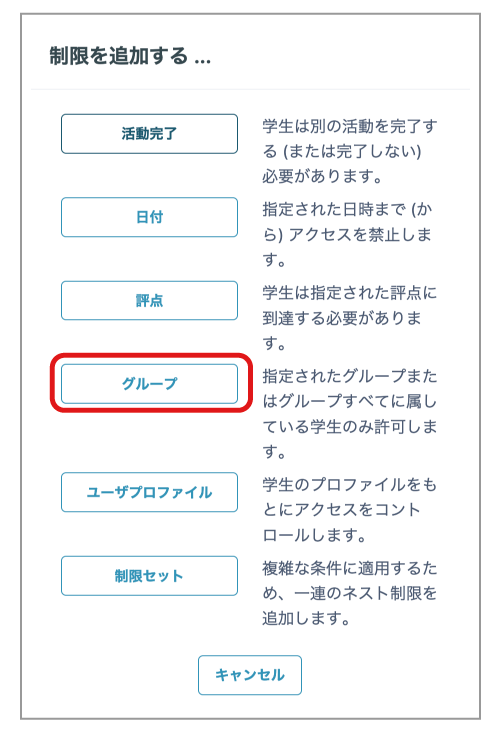
- Click "Groups" from "Settings" -> "Restrict access" -> "Add restriction".
You must create Groups in the course beforehand; otherwise, "Groups" will not be displayed here.
For information about creating Groups, see this FAQ.
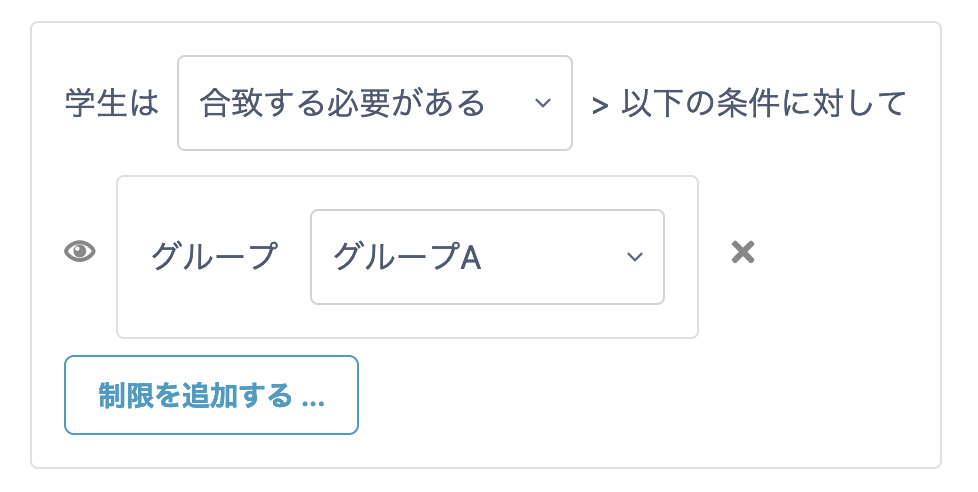
- Select the group for which you want to make the content available.
- Click "Save and return to course" at the bottom of the page.
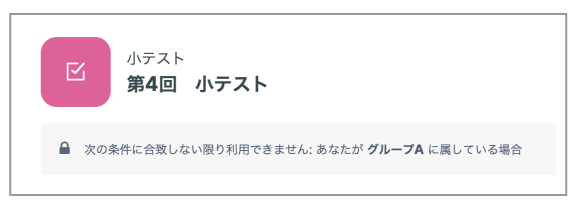
- The content is displayed normally to students in the selected group, but it is displayed as shown below to students in other groups.