This explains how to delete an uploaded feedback file.
- In "View all submissions", click the "Grade" button for the relevant student.
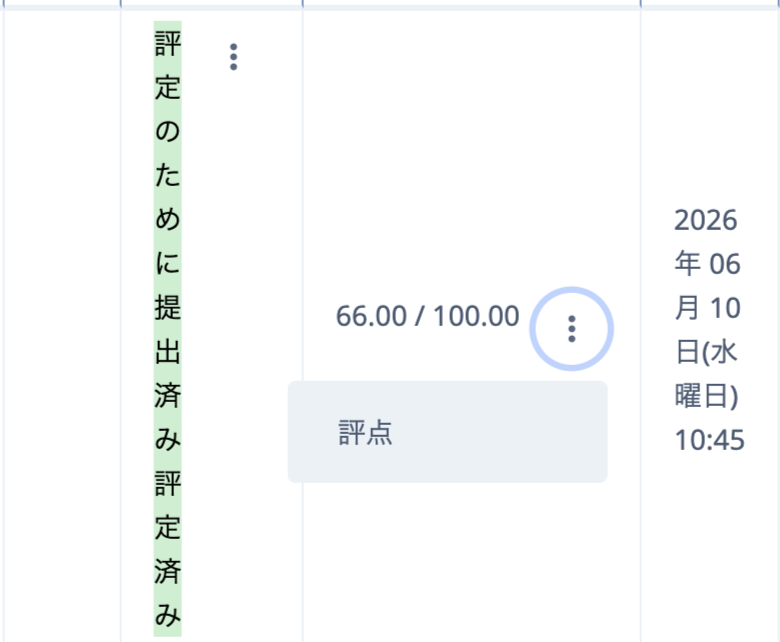
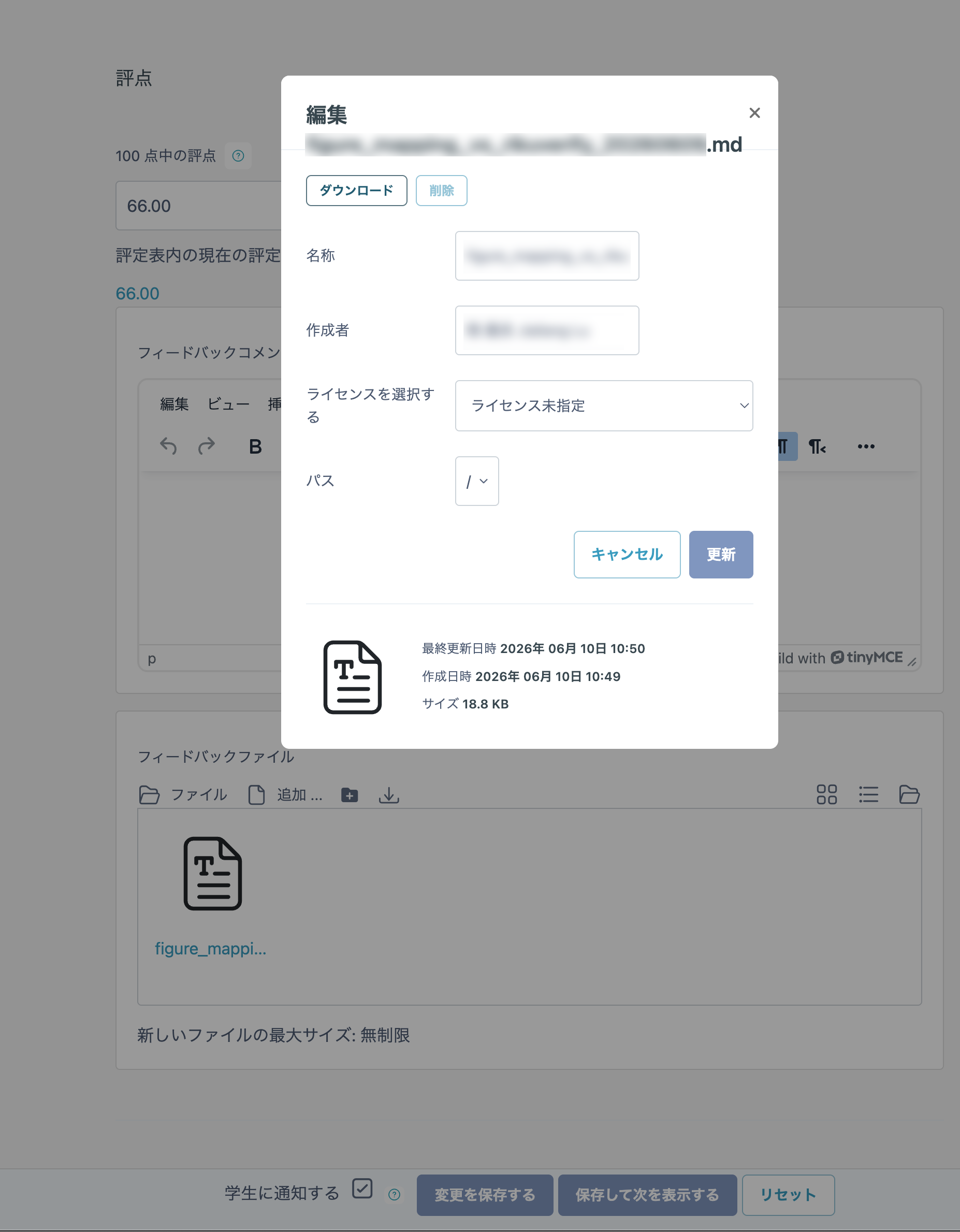
- A feedback file appears near the bottom right of the displayed page. Click the file that you want to delete.
- Click the "Delete" button.
Even if an incorrect feedback file is uploaded, the file will not be released to students before the Assignment due date.
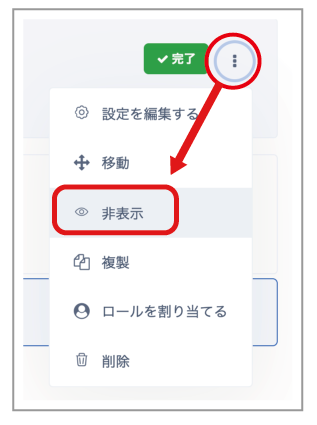
After the Assignment due date, you can prevent a feedback file from being released to students by setting the Assignment itself to "Hidden".
- Click "..." next to the Assignment, hide the Assignment itself, and then delete the incorrect file.