
- Click the Assignment you want to review.
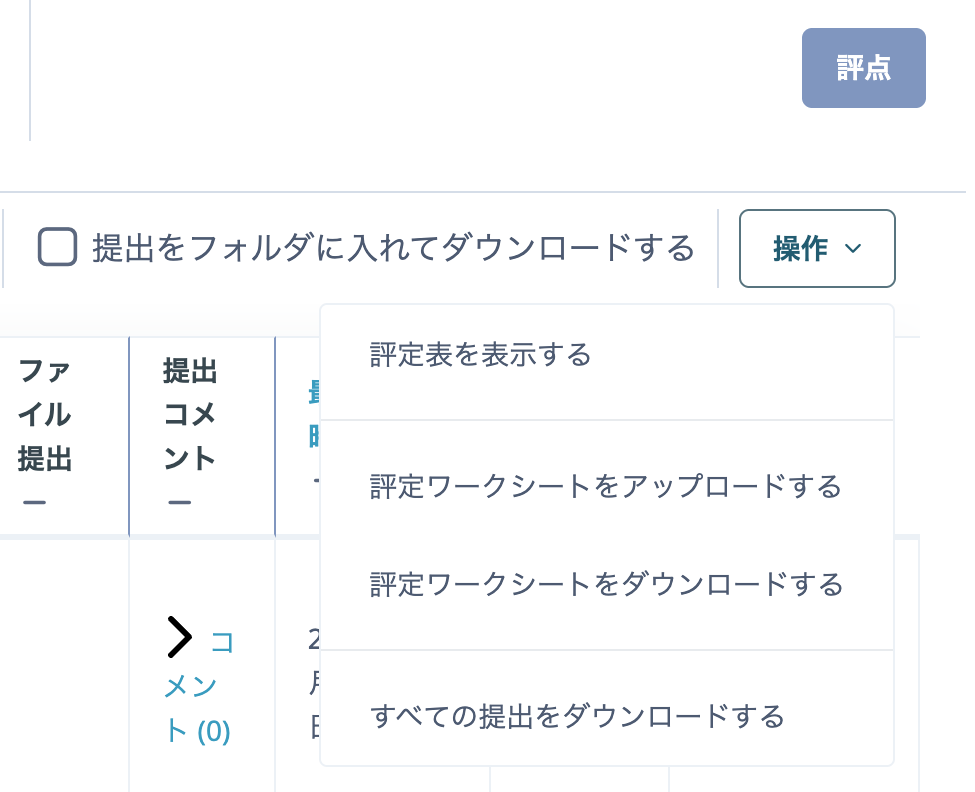
- Click "View all submissions".

- Click "Download all submissions".
When you extract the downloaded ZIP file, a folder is created for each student and contains that student's submitted files.
If you do not want the files sorted into folders by student, clear "Download submissions in folders" in the Options section at the bottom of the submissions page.