- Open "Restrict access" from the settings page for the content or Assignment.
- Click the "Activity completion" button.
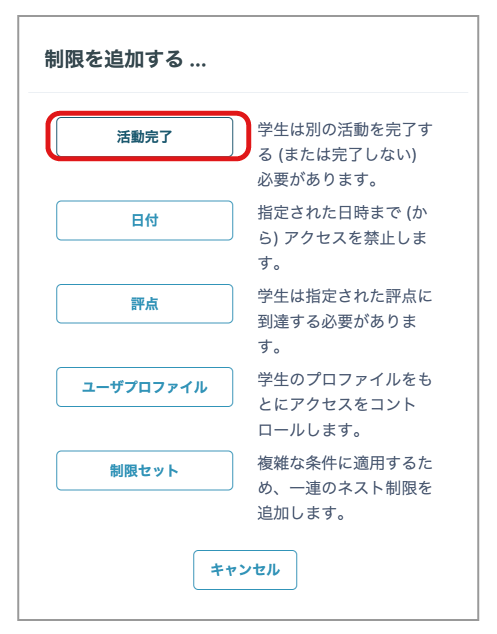
As an example, set the condition to "Available when Quiz 2 is complete".
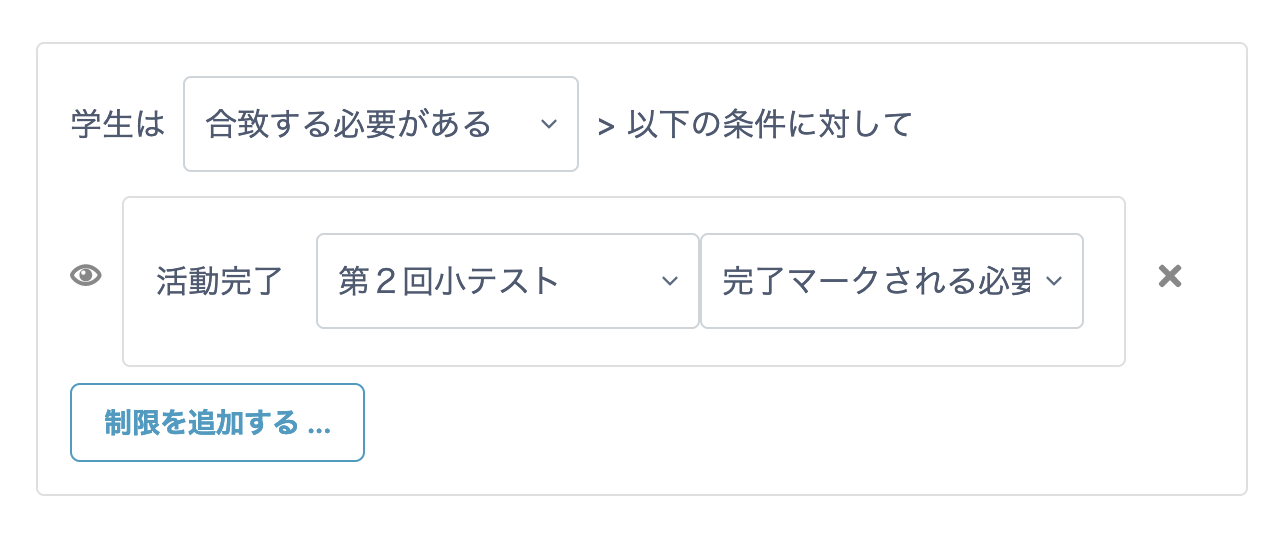
Select whether the condition must or must not be met.
The Japanese translation can be slightly unclear, but "must match" means that the configured condition must be met.
- From "Choose", select the activity to use as the condition (the activity to be completed).
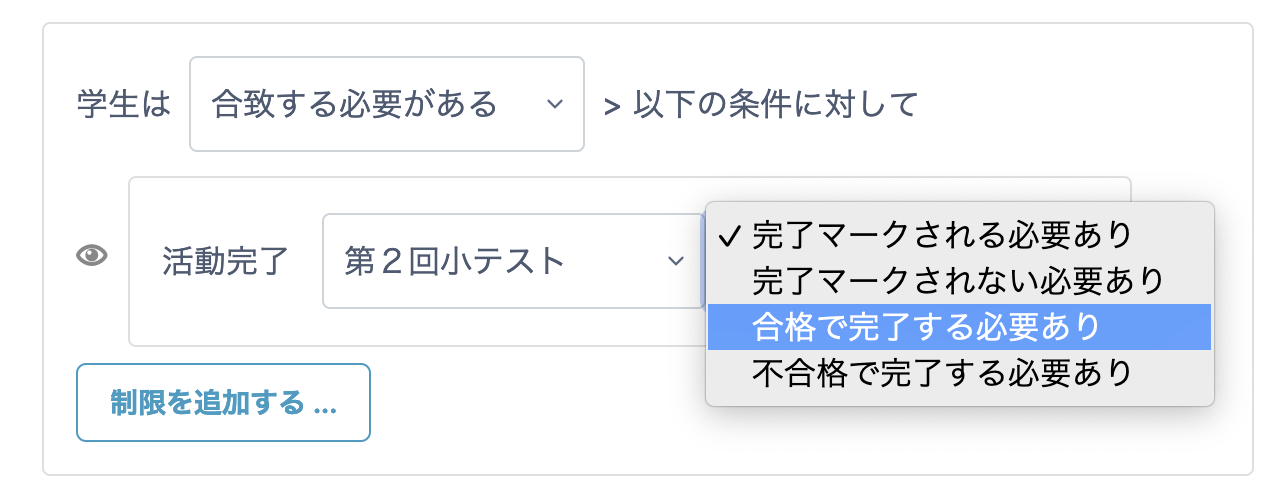
- Select the condition on the right.
For the completion mark, see "Setting Completion Conditions for Each Item".
- Click "Save and return to course" at the bottom of the page.
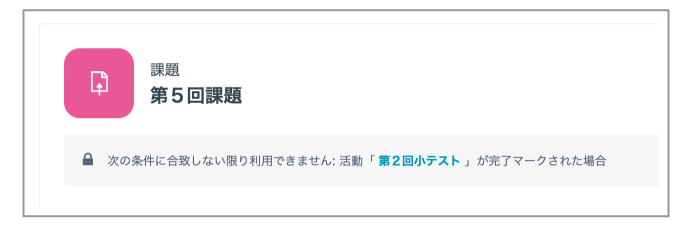
- On the student page, it is displayed as shown below.
Students cannot access Assignment 5 until they complete Quiz 2.