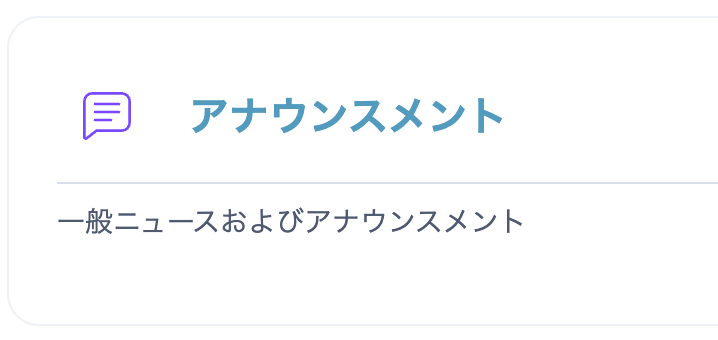
You may see a screen like the one below and worry that the Announcements forum has disappeared.

First, do not panic. Check the settings and situation by following the steps below.
In the example above, click "About Lecture 7". If "General news and announcements" is displayed as in the image below, you can tell that this is the Announcements forum. In other words, only its name (the topic or activity name) has been changed.
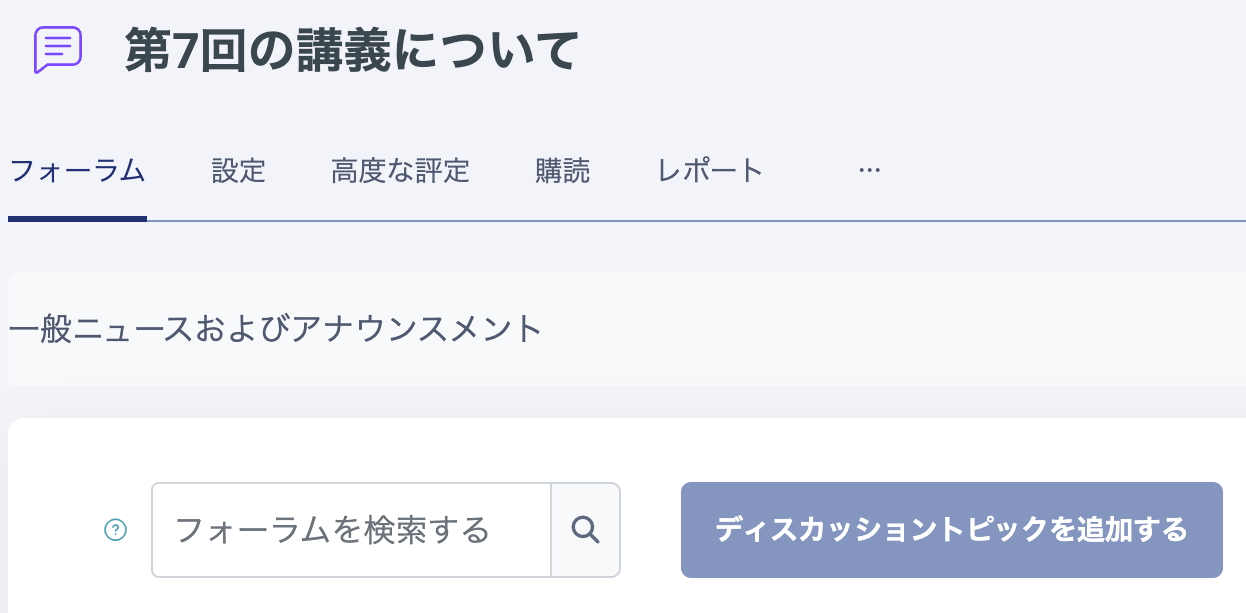
- Click "Settings".
- Change the Forum name to "Announcements", then click "Save and return to course" or "Save and display" at the bottom of the page.
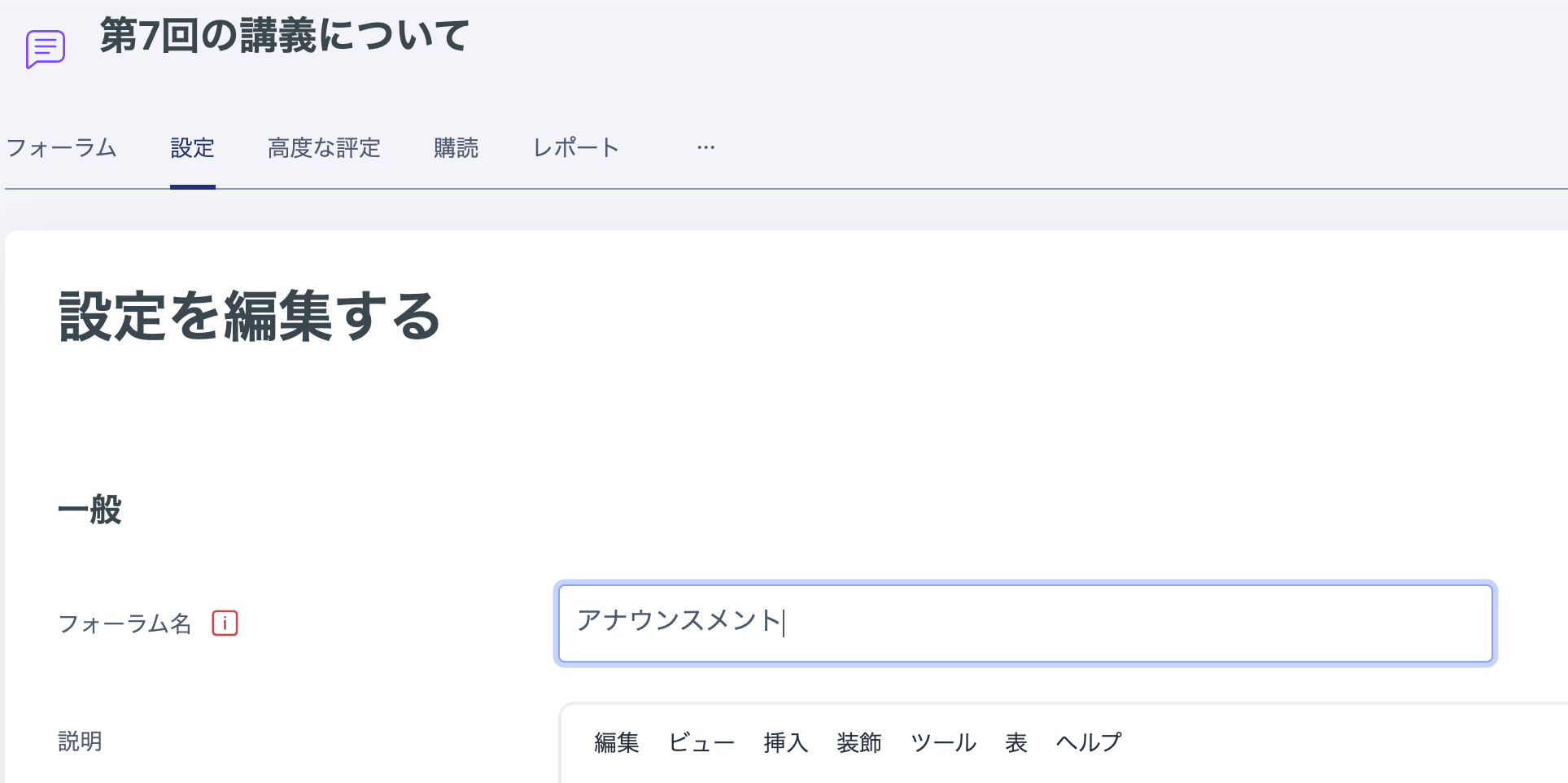
The name has now been restored to "Announcements", as shown below.