
When using YouTube videos, you can either post a link or embed the video in content.
Posting a Link on the Course Page
Use the URL feature to place a link to the relevant YouTube page on the course page.
For instructions on using URL, refer to the following FAQ.
https://isct-edu.tayori.com/q/lms-en/detail/1295087/
Embedding in Content
Multimedia can be embedded in items that use the rich text editor shown below.
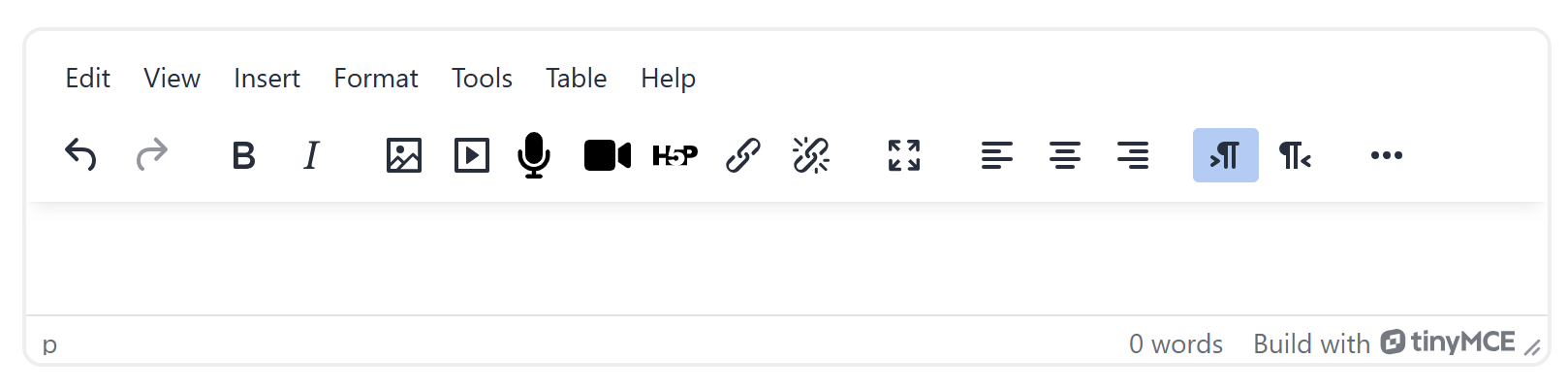
From the editor menu, select "Insert" -> "Multimedia". On the Source tab, enter the URL of the YouTube video page you want to embed in Source URL, then click "Insert media".
After that, save the content to embed the video.
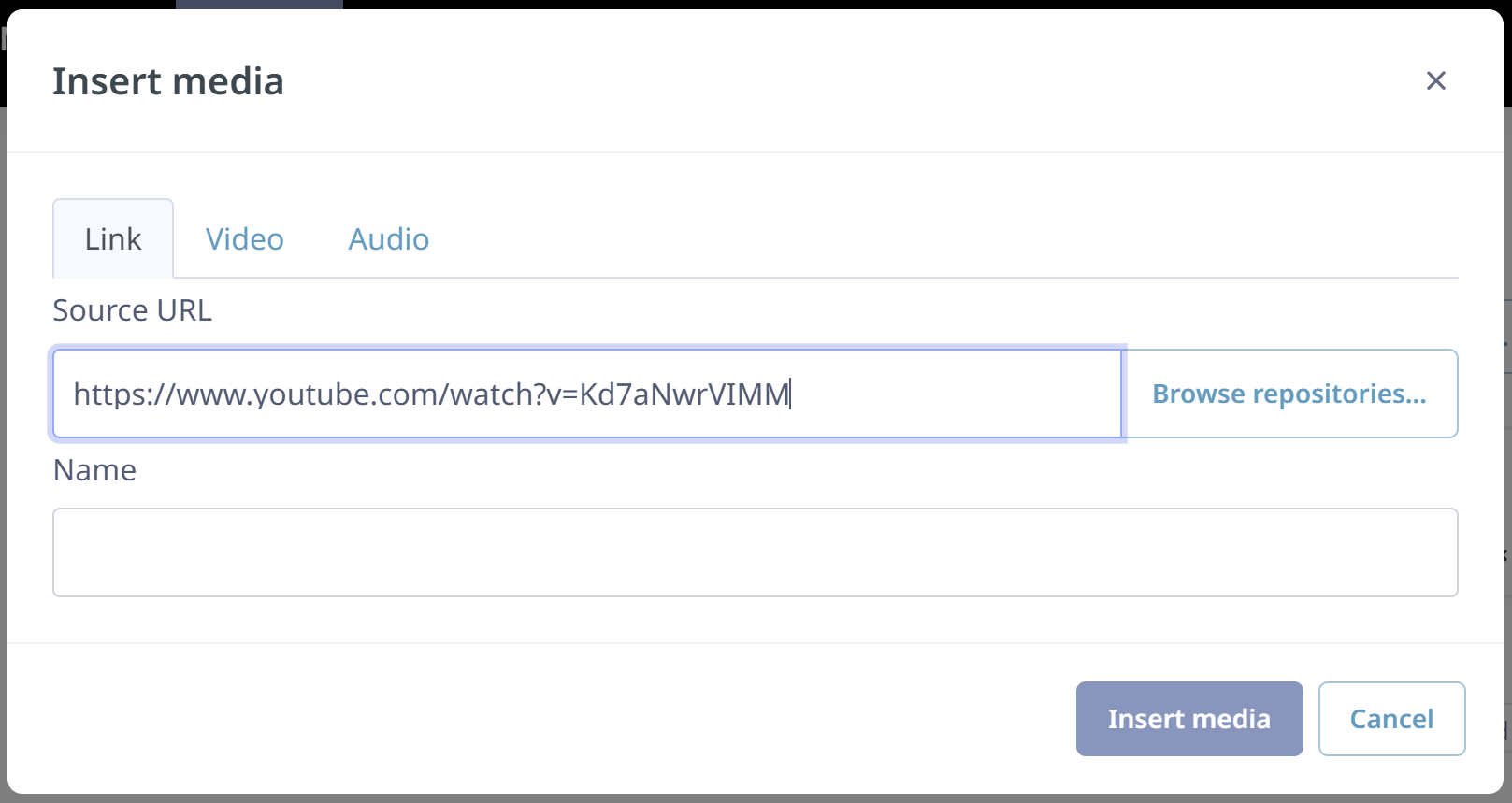
Using the Page feature allows the video to appear as embedded content in LMS.
For instructions on using Page, refer to the following FAQ.
https://isct-edu.tayori.com/q/lms-en/detail/1295092/