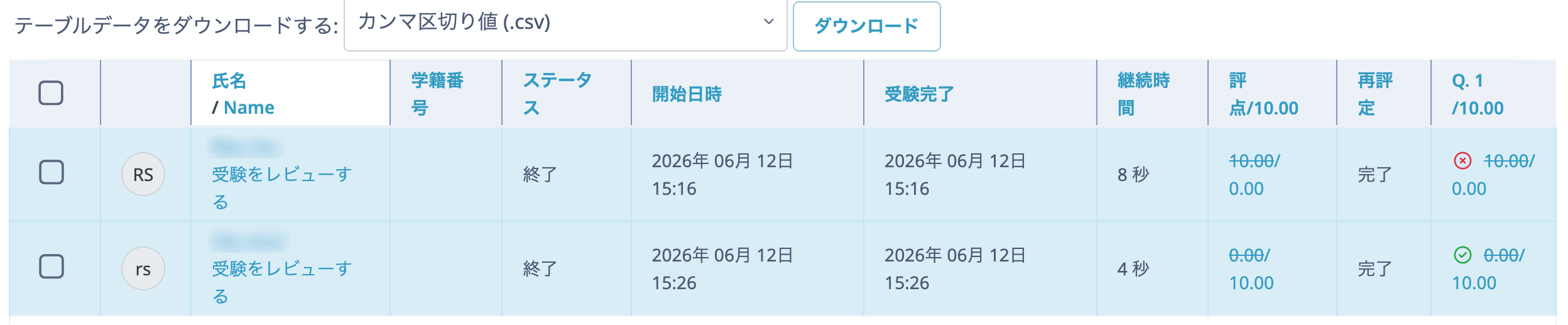
This section explains how to correct an error in the correct-answer setting after a Quiz has been created.
- Open the Quiz management page and click "Questions".
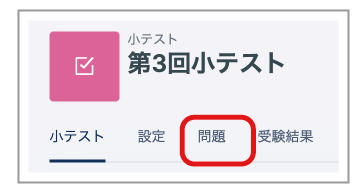
- Click the question you want to correct.

In this example, the correct answer to the question "Which ward of Tokyo is Ookayama Station located in?" was incorrectly set to "Meguro Ward", so it is changed to "Ota Ward".
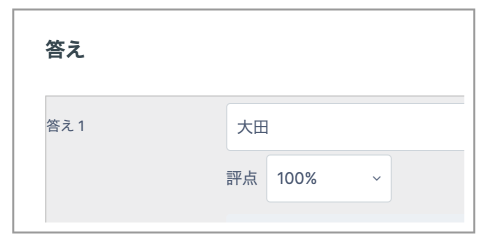
- Click "Save changes" at the bottom of the page.
Note
If you change a correct answer after the Quiz has already been taken, you must regrade the attempts.
The following explains how to regrade attempts after changing a correct answer.
- Open the Quiz management page and click "Results".
- Select the checkbox and click "Regrade selected attempts".
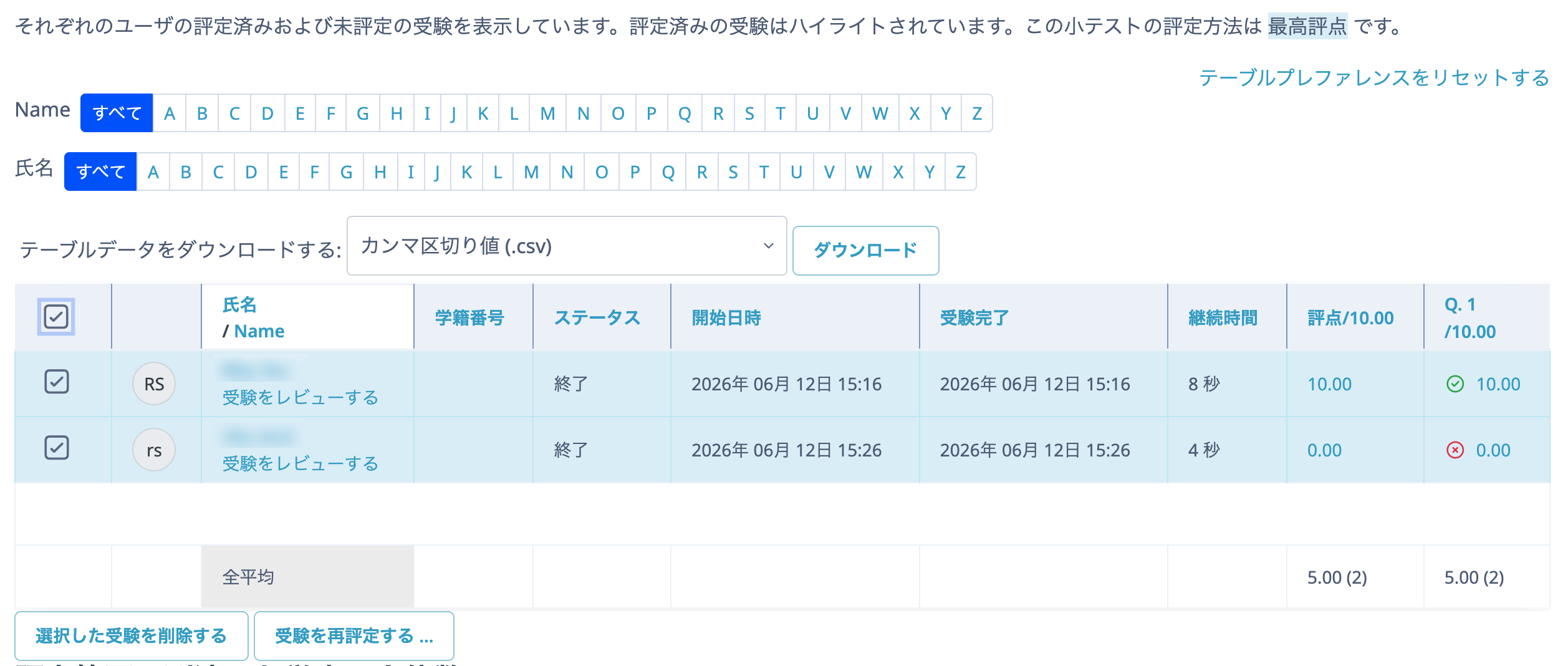
- Click "Continue".
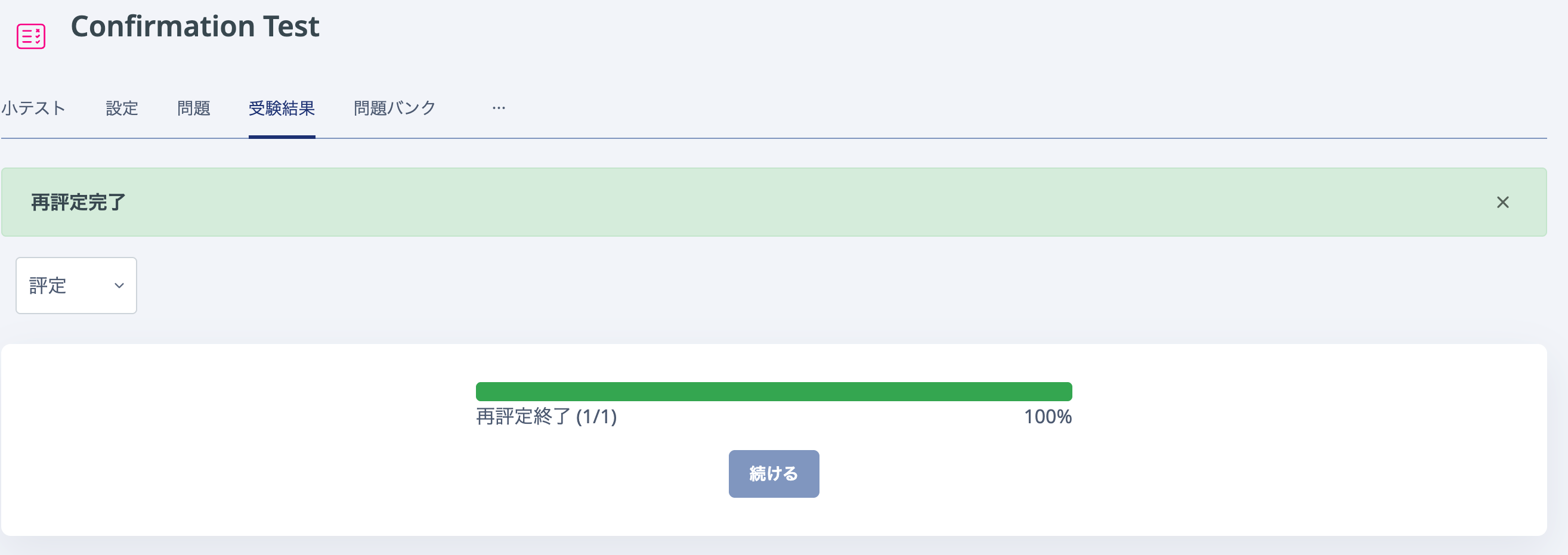
- The grades have now been corrected.