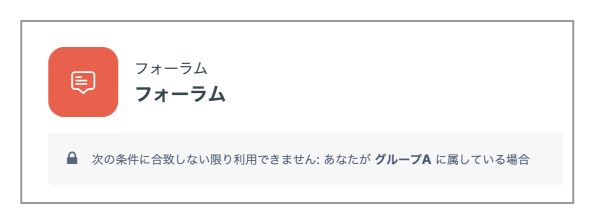
To make content (such as materials or Assignments) available only to students who belong to a specific group (that is, to restrict access), follow the steps below.
- Click "Settings" for the teaching material, Assignment, Forum, or other item that you want to make available only to students in a specific group.
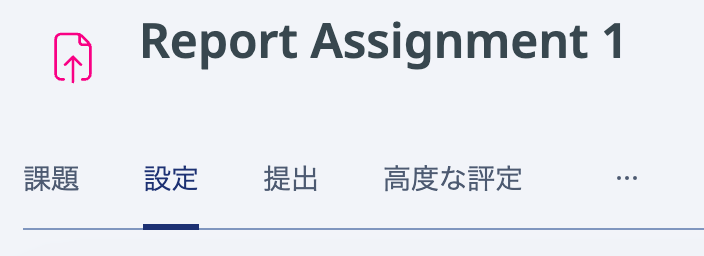
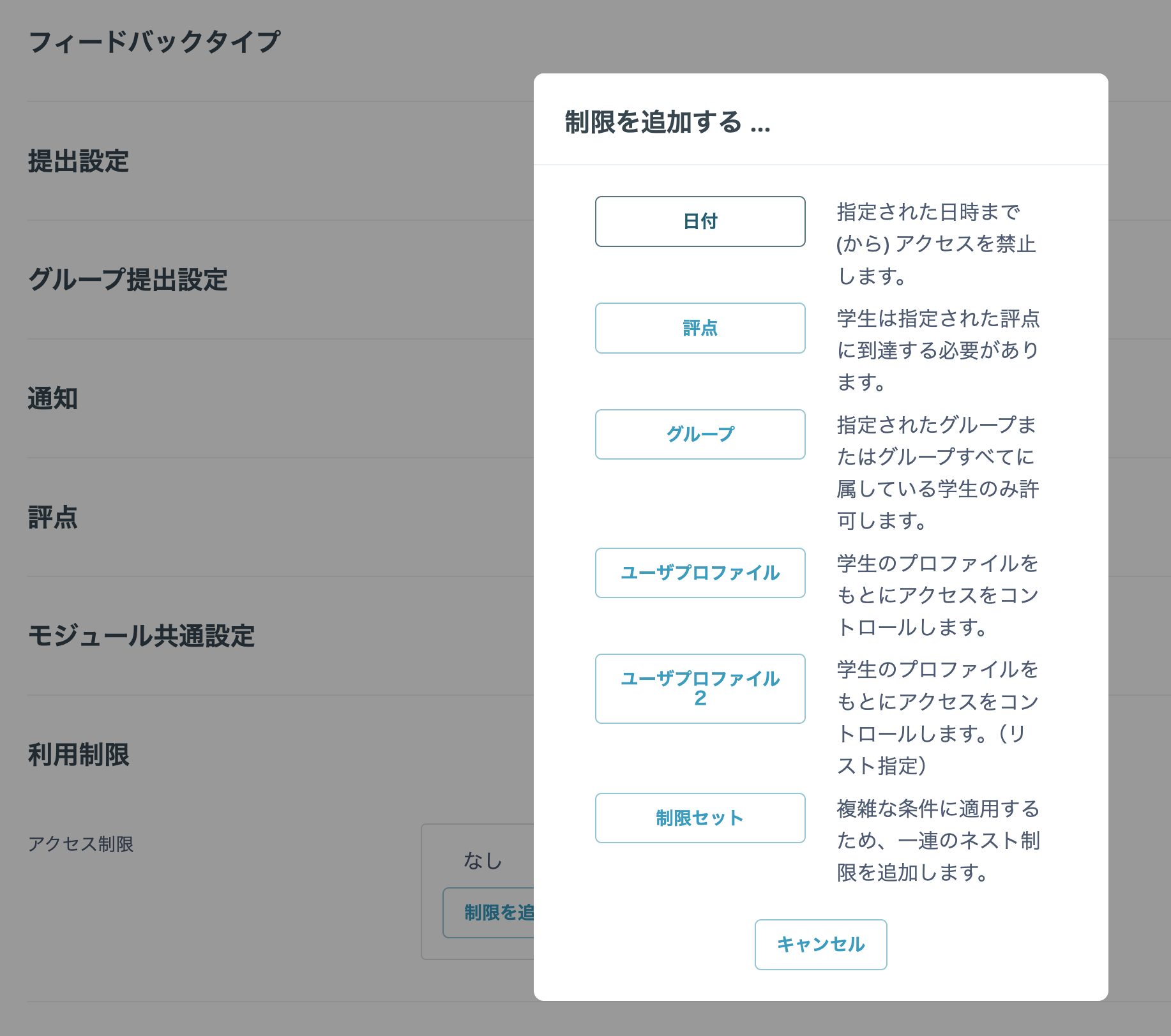
- Click "Restrict access", then click "Add restriction" on the page that opens. Click "Groups" and select the group to which you want to allow access.
- At the bottom of the page, click either "Save and return to course" or "Save and display".
- The following message is displayed below the material, Assignment, or other item that you made available: "Restrict access: Not available unless: You belong to [group name]". Students who belong to a group other than the group allowed access cannot access the content (it is either hidden or grayed out and cannot be clicked).