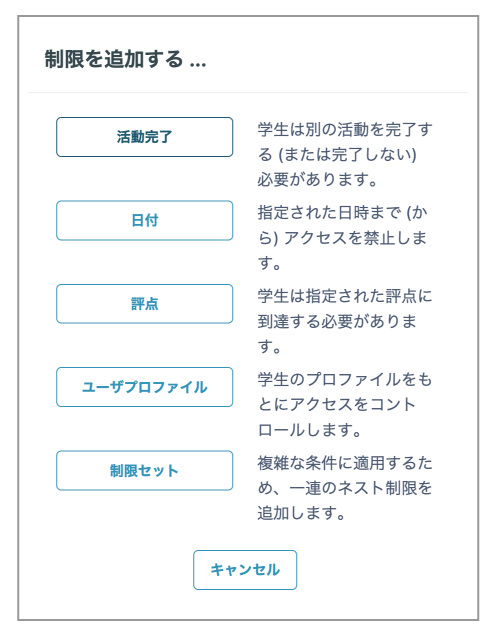
You can control whether content and course sections are available based on various conditions, such as specified dates and times, particular students, or completion status in another activity.
- Open "Restrict access" from the settings page for the content or Assignment to add access restrictions.
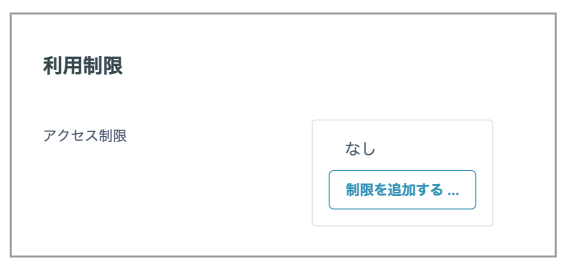
- Click "Add restriction" to display the available conditions.